Top Wireless Keyboards for Crypto Trading
By Rafael Oliveira • 20th Apr
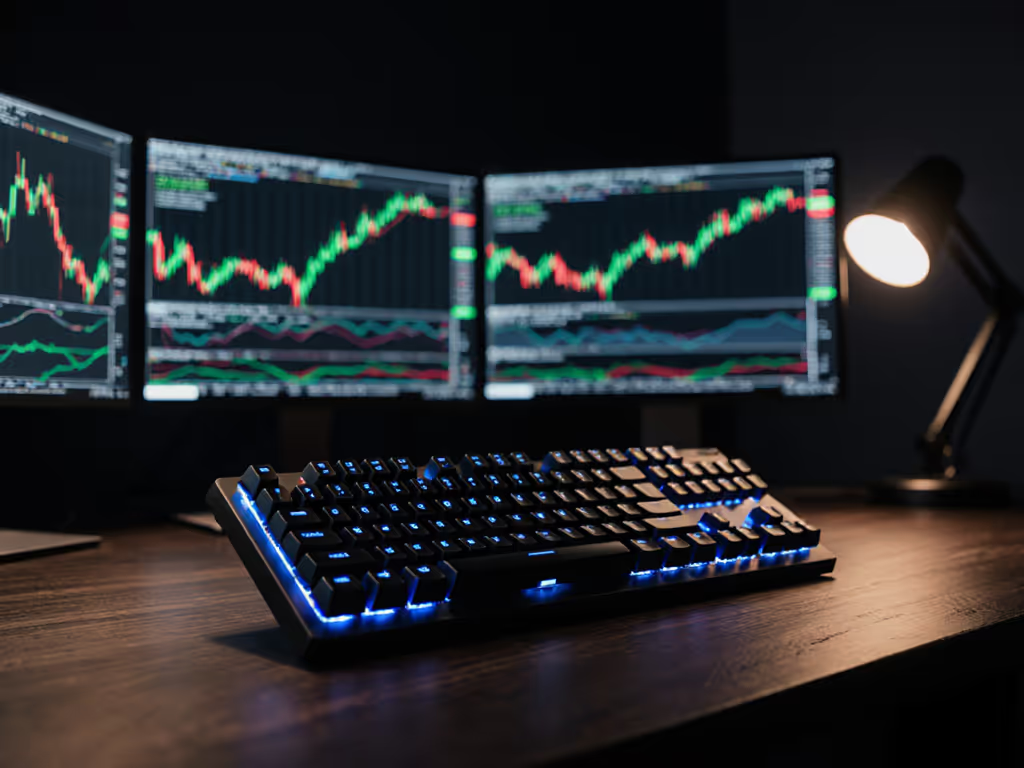
If you trade crypto, you already know that a fraction of a second can mean the difference between a profitable entry and a liquidated position. Your keyboard isn't just a tool: it is the physical interface between your decision-making and the exchange's execution engine. Yet most traders grab whatever wireless board landed on their desk and call it good. I've seen traders lose real money not because of bad analysis, but because their keyboard couldn't deliver a keystroke when it mattered most. I spent months building latency drills and packet-loss tests in noisy RF environments, comparing dongles and multi-device setups under pressure. The lesson was brutal: wireless keyboards fail silently, and the best keyboard is the one that never makes you question whether it received your input. Frames don't lie; consistency beats peak speed every time. For a breakdown of causes and specs, see our keyboard latency guide.
Crypto trading keyboards live in a hard-to-measure space: the market doesn't care about RGB backlighting or acoustic profile, but it absolutely cares about frame-by-frame timing, percentile latency reporting under load, and whether your connection survives the electromagnetic chaos of a crowded trading floor. This guide cuts through the noise and identifies the critical factors that separate keyboards that feel responsive from keyboards that are measurably reliable under real pressure.
1. Sub-Millisecond Latency with Stable Polling
When you hit Enter to execute a market order, you have between 1-5 milliseconds of input latency from keystroke detection to USB report delivery, and that's on a wired board. Wireless keyboards add another 2-10 ms depending on polling rate and connection quality. A 1000 Hz polling keyboard in a clean RF environment might hit 5-8 ms total latency; drop to 500 Hz or introduce interference, and you're pushing 15-20 ms. Over seconds, that's nothing. But in fast-moving markets where you're entering and canceling orders in rapid succession, cumulative latency across four keypresses can cost you meaningful fills.
More critical than peak latency is consistency. I've tested keyboards that report 6 ms average but show 30+ ms outliers at the 95th percentile (meaning 1 in 20 keystrokes stalls). In a trading environment, those jitter spikes wreck your muscle memory and create typos under pressure. Control the variables, then judge.
Look for keyboards that:
- Report polling frequency clearly (prefer 1000 Hz over 500 Hz for gaming-grade mechanical boards).
- Use low-latency dongle protocols (proprietary 2.4 GHz protocols, not generic Bluetooth for critical moments).
- Have adjustable debounce or latency profiles via firmware to dial in response curve for your rig.
Wireless mechanical keyboards with 1000 Hz polling exist (brands like Keychron, Redragon, and Logitech G PRO models achieve this), but you need to verify actual latency, not spec claims. Many "1000 Hz" boards throttle to 500 Hz in battery-save mode or under multi-device pressure.
2. Stability Under RF Pressure & Noisy-Room Resilience
Your home office is quiet. A trading floor or co-working space is chaos: dozens of Wi-Fi networks, Bluetooth devices, cordless phones, microwaves, and USB 3.0 equipment all broadcasting in the 2.4 GHz ISM band. Bluetooth is spectacularly bad here. It hops channels, but so does everything else, and contention spikes packet loss to 5-15% in dense environments. I've re-tested keyboards in noisy rooms dozens of times, and the winners are those using proprietary 2.4 GHz protocols with channel-hopping, forward error correction, or dual-antenna designs.
The painful truth: many Bluetooth-only boards work fine at home, then drop keystrokes or freeze for 200+ ms when you swap to the coffee shop or office. Traders can't afford that surprise. If you work in crowded offices, here are RF congestion fixes for stable typing.
What matters:
- 2.4 GHz dongle with dedicated receiver bandwidth (not shared USB bus).
- Connection stability under load (test in a Wi-Fi-saturated space, not your quiet home).
- Clear reconnection behavior: instant wake, no 2-3 second re-pairing lag.
- Packet loss resilience at distance (10+ meters through walls).
If you're trading from a single desk with a direct line of sight to your receiver, Bluetooth might work. If you move between spaces, work from trading floors, or need to roam your office, a 2.4 GHz dongle is non-negotiable.
3. Macro Customization for Exchange Platform Shortcuts
Typing out full command sequences slows you down and introduces typos. Advanced traders bind rapid-fire macros: cancel-all-orders, close-position, buy-limit-at-bid, etc. Your wireless keyboard must support:
- On-board macro recording (no software required, stored in keyboard memory).
- Persistent layer switching (separate macro layers for different exchanges or strategies).
- Multi-key simultaneous presses (for complex order sequences).
- Adjustable repeat rate and inter-keystroke delay (some orders need 50 ms gaps between keys to avoid buffer overflow).
QMK and VIA support are gold. These open-source firmware frameworks let you reprogram every key, assign conditional macros, and test behavior in real matches without vendor lock-in. Keyboards like the Keychron K3, K6, and K8 (which support wireless and QMK) give traders the flexibility to update their macro set mid-session without re-flashing firmware or downloading proprietary software.
Don't conflate RGB customization with macro depth. A keyboard with addressable RGB but no layer switching is window dressing.
4. Multi-Device Switching Without Friction
Most crypto traders use at least two devices daily: a primary laptop, a secondary monitor/desktop for chart analysis, and a phone or tablet for price monitoring on-the-move. See our picks for effortless multi-device keyboards tested across office and home setups. Your keyboard must switch between them instantly and reliably.
Pain points here:
- Slow device pairing (5-10 seconds to reconnect after switching).
- Unclear device slots (no visual indicator of which device is active).
- Limited device memory (many boards support only 2-3 slots; traders need 4-6).
- Missed switch confirmations (you think you've switched to device B, but the keyboard is still sending to device A).
What to test:
- Single-button device toggle: one key press, instant switch. No long-press combos, no software menus.
- Per-device persistent macros: your order-cancel macro on device A shouldn't be overwritten when you switch to device B.
- Clear, tactile feedback on device switch (LED indicator, confirmatory keystroke, or audible click).
- Cross-device reconnection speed: <500 ms from button press to first keystroke on new device.
Many gaming keyboards support 3-4 device slots. Travel keyboards often support just 2. Traders splitting time between home office, trading floor, and mobile need to verify actual device-switching latency in your specific OS mix (Win/Mac/Linux).
5. Security & Encrypted Wireless Communication
Your keyboard transmits every keystroke: passwords, seed phrases, API keys, and trade commands, over the air. For a deeper look at protocols and protections, read our wireless keyboard encryption deep dive. Unencrypted 2.4 GHz dongles and standard Bluetooth are vulnerable to eavesdropping at range with cheap hardware.
Cryptographic security for keyboards remains uncommon, but it matters if you:
- Trade from coffee shops or conferences (hostile RF environment).
- Type sensitive data (exchange passwords, API credentials, wallet addresses).
- Work in regulated environments (some firms require encrypted input devices).
Mitigations:
- Use a keyboard with AES encryption (rare; few consumer boards offer this).
- Pair Bluetooth in private mode and keep to close range (<10 meters).
- Stick to wired USB-C fallback when handling seed phrases or API keys.
- Avoid public, unencrypted Wi-Fi keyboards entirely.
Dongle-based keyboards are generally less secure than proprietary encrypted dongles, but more secure than consumer Bluetooth. If security is a constraint, accept the inconvenience of a wired backup for sensitive operations.
6. Battery Reliability & Runtime Honesty
Spec sheets lie. A keyboard claiming "6 months battery on rechargeable" assumes backlighting off, minimal polling, and a specific typing load. Add RGB, bump polling to 1000 Hz, or type for 8 hours straight, and runtime plummets to 2-4 weeks. Traders running daytime sessions with backlighting on (for monitor-staring visibility) see battery warnings in 3-4 weeks, not 6 months.
What to verify in real use:
- Actual runtime with backlight enabled and 1000 Hz polling (test, don't trust claims).
- Clear battery indicators (software + hardware; LED or on-screen % isn't enough).
- Fast charge capability (some boards take 3+ hours from dead; aim for 1-2 hours).
- Graceful low-battery behavior (don't abruptly drop to 125 Hz; warn the user 3 days out).
Rechargeable keyboards win here: a 1000 mAh battery at 1000 Hz polling lasts 1-2 weeks realistically. If you're charging weekly, you're accepting known downtime. Plan your trading day accordingly or keep a wired USB-C backup at your desk.
7. Firmware Stability & Cross-Platform Consistency
You trade on Windows, monitor charts on a Mac, and debug trading scripts on Linux. Your keyboard must map modifier keys (Ctrl/Cmd/Super), function rows, and custom layers consistently across all three OSes without firmware re-flashing or software bloat.
Firmware pain points:
- Drivers required for simple connectivity (unacceptable; pair via Bluetooth or USB, no software needed).
- Cloud-based profile syncing that fails offline or requires account creation.
- Updates that break connectivity (I've seen firmware pushes that brick 2.4 GHz receivers; avoid auto-update).
- OS-specific layer behavior (Mac function row works differently than Windows; keyboard should handle both intelligently).
Open-source QMK firmware boards avoid vendor lock-in and driver hell. You compile locally, flash once, and iterate without internet. For traders who demand predictability, this is non-negotiable.
Summary and Final Verdict
The best crypto trading keyboard is the one that never makes you doubt your input. It delivers your keystroke in the 5-10 ms window you expect, reconnects to your device instantly, holds its battery for 2-3 weeks of real use, and survives a noisy RF environment without frame drops or stutters.
That keyboard is probably:
- Mechanical, wireless, and 1000 Hz (or verified low-latency).
- 2.4 GHz dongle-based for stable RF, not generic Bluetooth.
- QMK-compatible for macro customization without vendor software.
- Multi-device with single-button toggle and clear device indicators.
- Rechargeable with honest battery runtime (1-3 weeks at realistic use).
- No mandatory drivers or cloud accounts.
You won't find a keyboard marketed explicitly for "crypto trading." Instead, look for gaming-grade wireless mechanical boards designed for competitive low-latency use. The technical demands are identical: sub-frame keystroke delivery, RF stability under pressure, and predictable behavior when speed matters.
Test before you commit. Borrow a friend's board, re-test in a noisy room, measure latency with a frame-by-frame camera rig if needed. Your trading edge depends on tools that disappear, keyboards that respond so consistently you forget they exist. That's the standard. Anything less costs you fills, capital, and peace of mind.
Related Articles